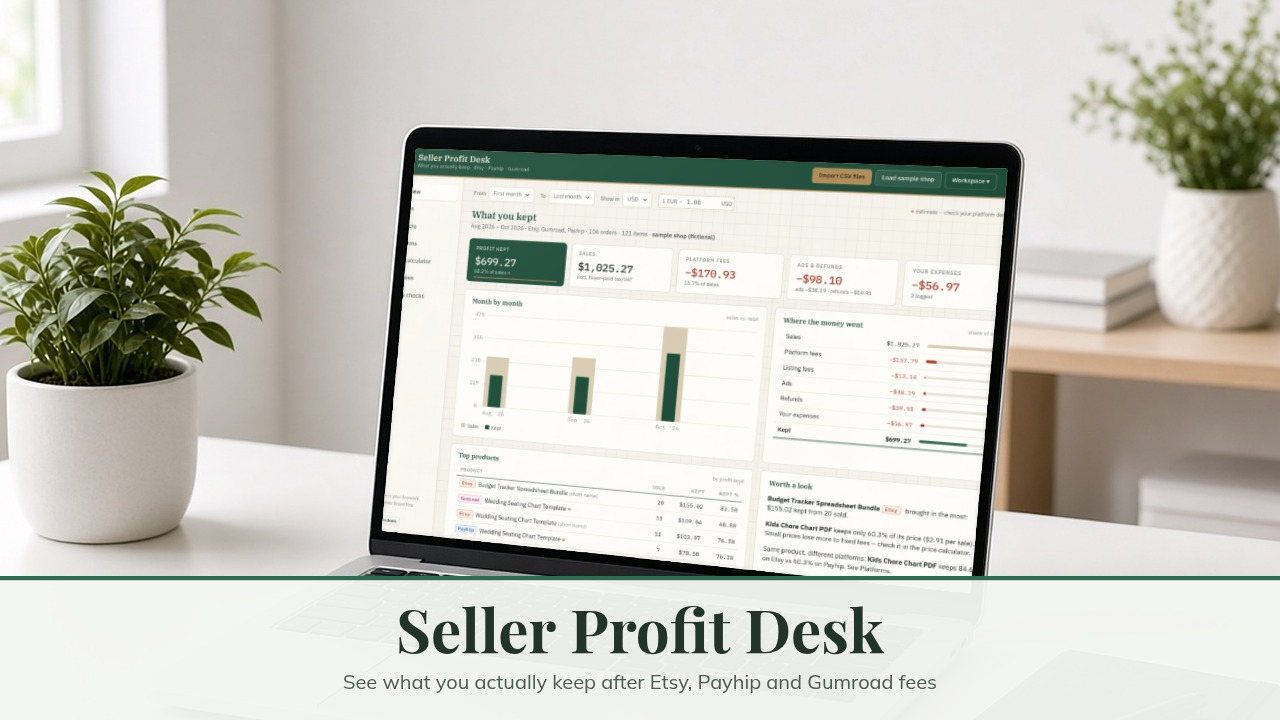



Seller Profit Desk: see what you actually keep after Etsy, Payhip and Gumroad fees (Mac & Windows)
You know your sales. But what did you keep after transaction fees, processing fees, listing fees, Offsite Ads, refunds and your own costs – per product and per platform?
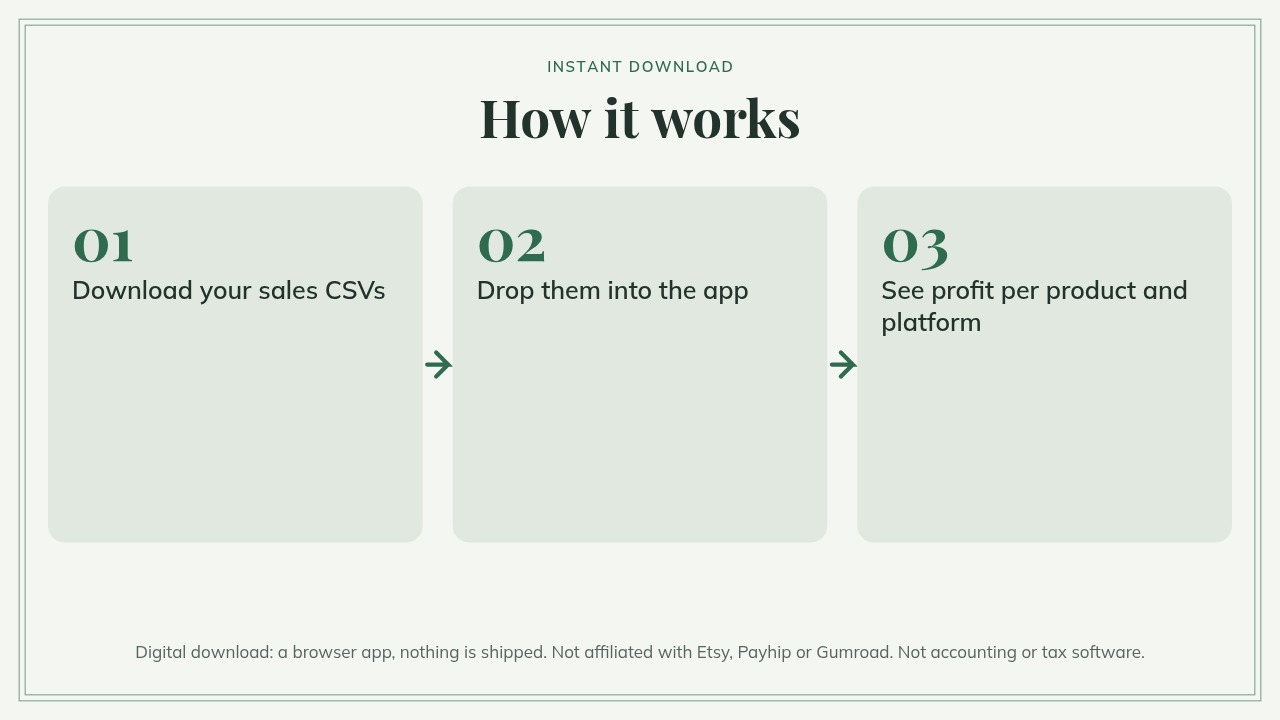
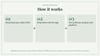
Seller Profit Desk reads the CSV files Etsy, Payhip and Gumroad already give you and turns them into one profit dashboard. It is a browser-based tool that works offline on Mac and Windows – no installation: unzip, open it in Chrome, Edge, Firefox or Safari, drop your files, and read the numbers.
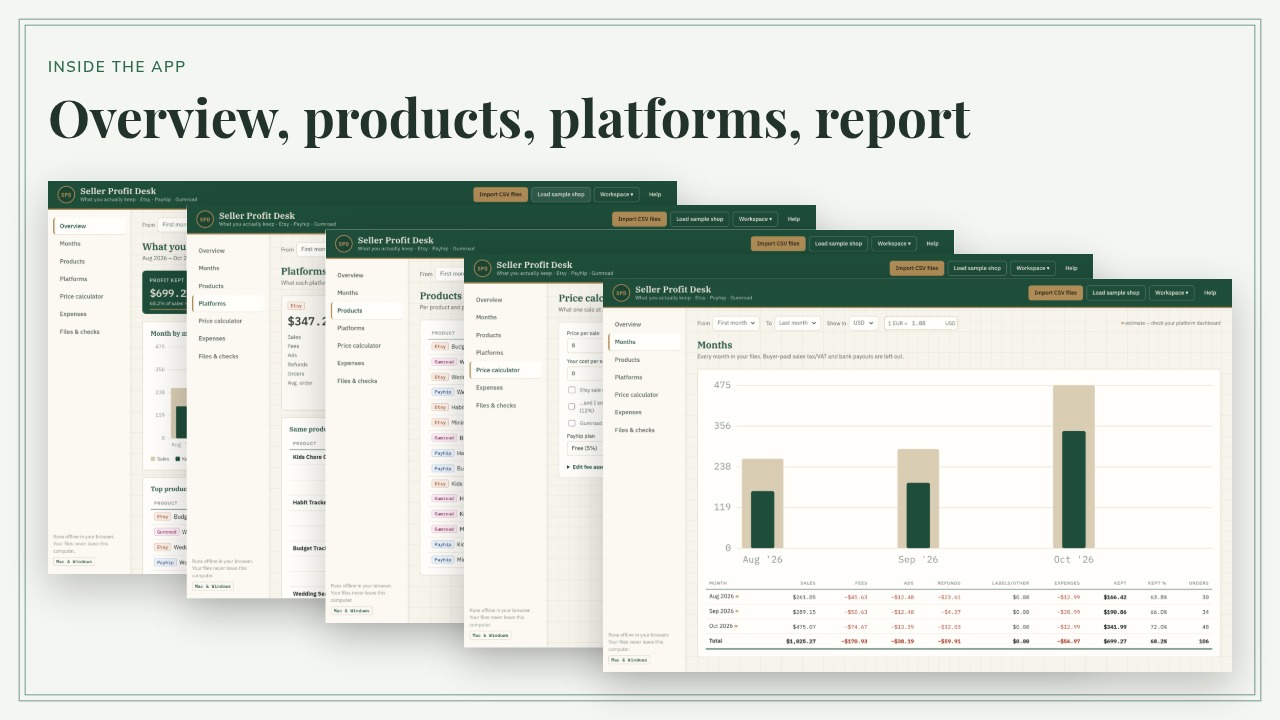
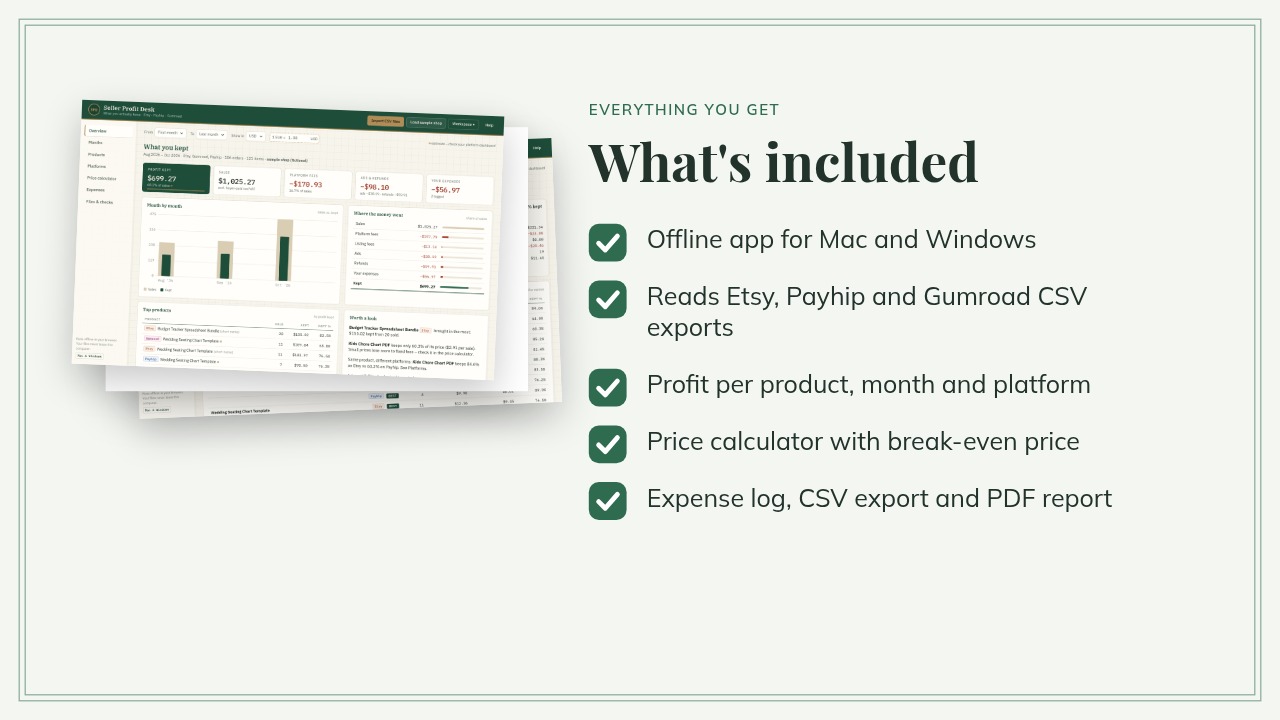
What it shows
- Profit kept per month, per product and per platform
- Where the money went: platform fees, listing fees, ads, refunds, shipping labels, your expenses
- The same product on several platforms, side by side (kept % and kept per sale)
- Price calculator: what one sale leaves you on Etsy, Payhip and Gumroad, break-even price and the price for your target margin
- Expense log (one-off or monthly) for software, materials, printing and plan subscriptions
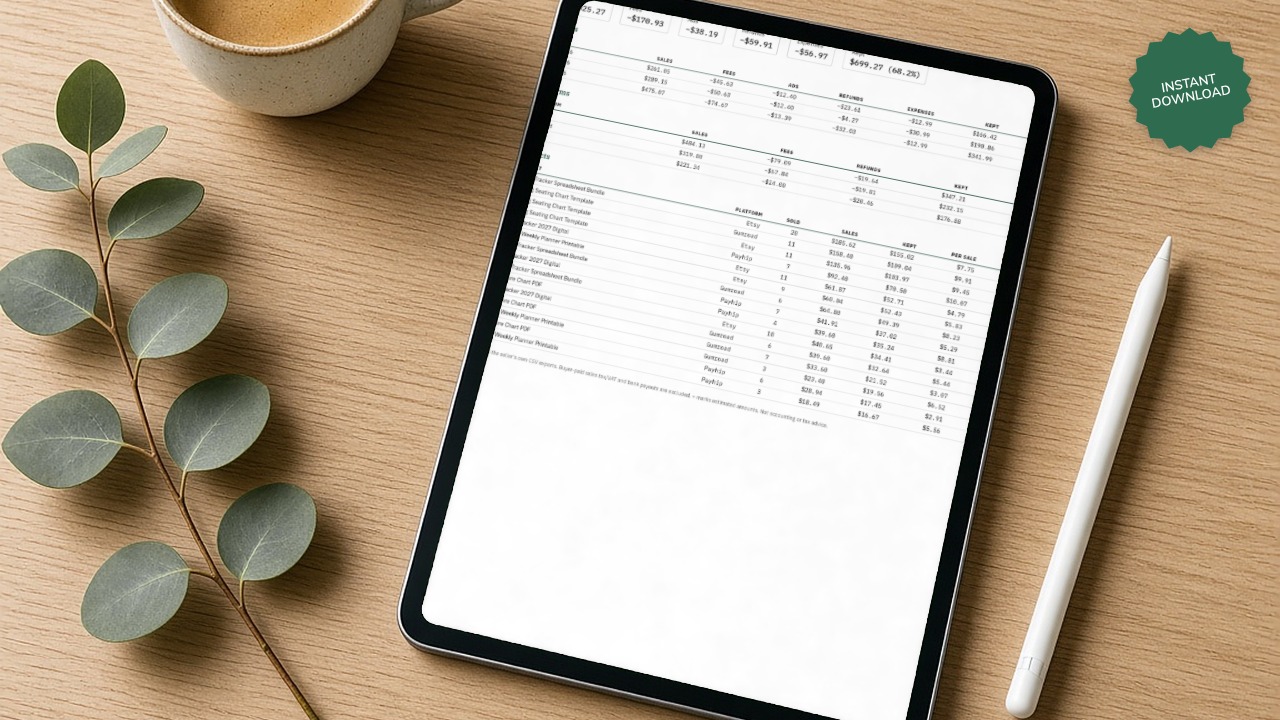
- Export: full ledger CSV, summary CSV and a printable PDF report
Files it reads
- Etsy monthly statement CSV (exact fees, ads and refunds) – import as many months as you like
- Etsy sold order items / sold orders CSV (full product names)
- Payhip customers/sales export (includes Payhip and Stripe/PayPal fees)
- Gumroad sales export
- Files re-saved in Excel with semicolons and comma decimals also work
How exact is it?
You importResultEtsy monthly statement (+ sold order items for full names)Exact fees, ads and refunds as Etsy reports themEtsy sold orders / order items onlyApproximate: Etsy fees estimated (US defaults, editable)Payhip exportExact fees; full refunds approximate; partial refunds can't be counted (Payhip doesn't export the amount) – you get a warningGumroad exportExact fees; refunds approximate
Before the totals, the app tells you how many amounts are estimated, left out or not recognised.
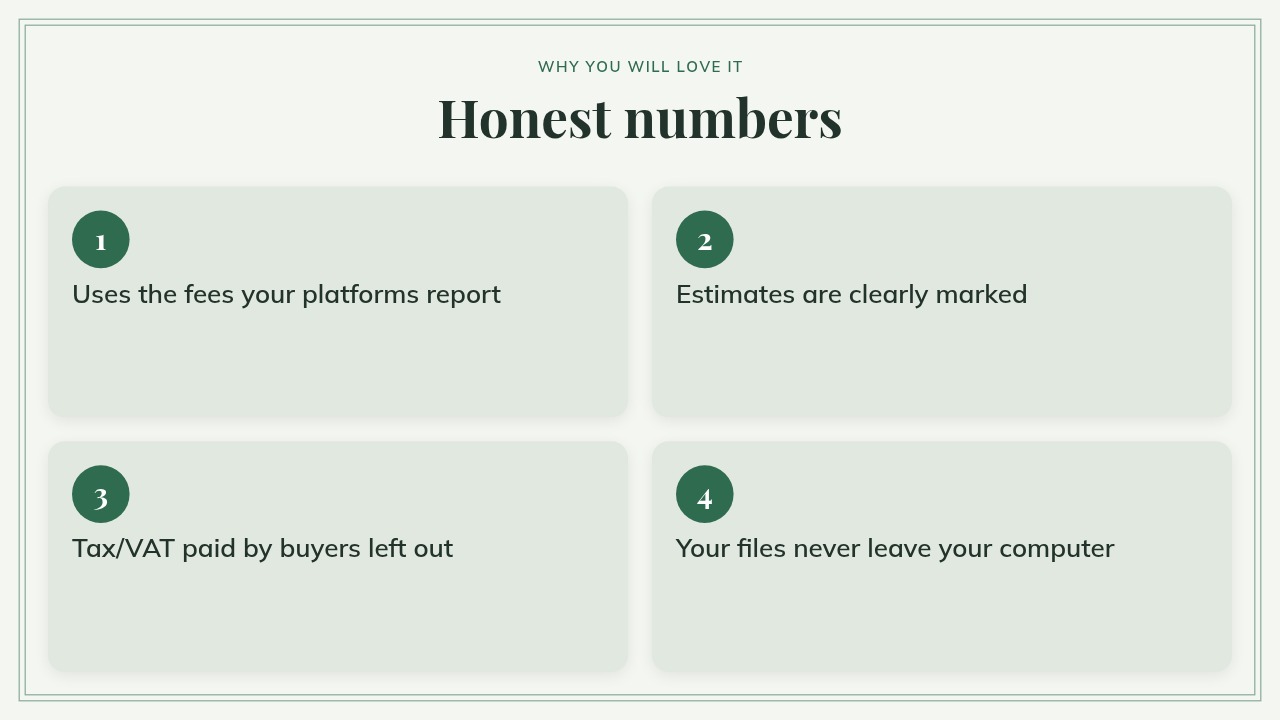
Honest numbers
- Uses the fees the platform reports in the file. When a file does not say (for example the card fee Gumroad keeps on a refund), the amount is estimated and marked ≈, and the app explains each estimate.
- Sales tax/VAT paid by buyers and payouts to your bank are left out.
- Several currencies: choose one and type your own exchange rate.
- Price-calculator fees are typical defaults (checked Oct 2026) that you can edit for your country and plan.
Good to know
- Your files never leave your computer: no account, no upload, no analytics, no internet needed. Fonts are bundled.
- Data is kept in your browser; save a workspace file as a backup, since browsers can clear stored data.
- Works on Mac and Windows (Chrome, Edge, Firefox, Safari). Desktop or laptop only.
- Not accounting or tax software, and no tax advice. Not affiliated with Etsy, Payhip or Gumroad.
- Shopify import is planned for version 1.1.
- Includes fictional sample files and a "Load sample shop" button, plus a quick-start guide (PDF).
- Try the free demo first.
This is a digital download. Nothing is shipped.